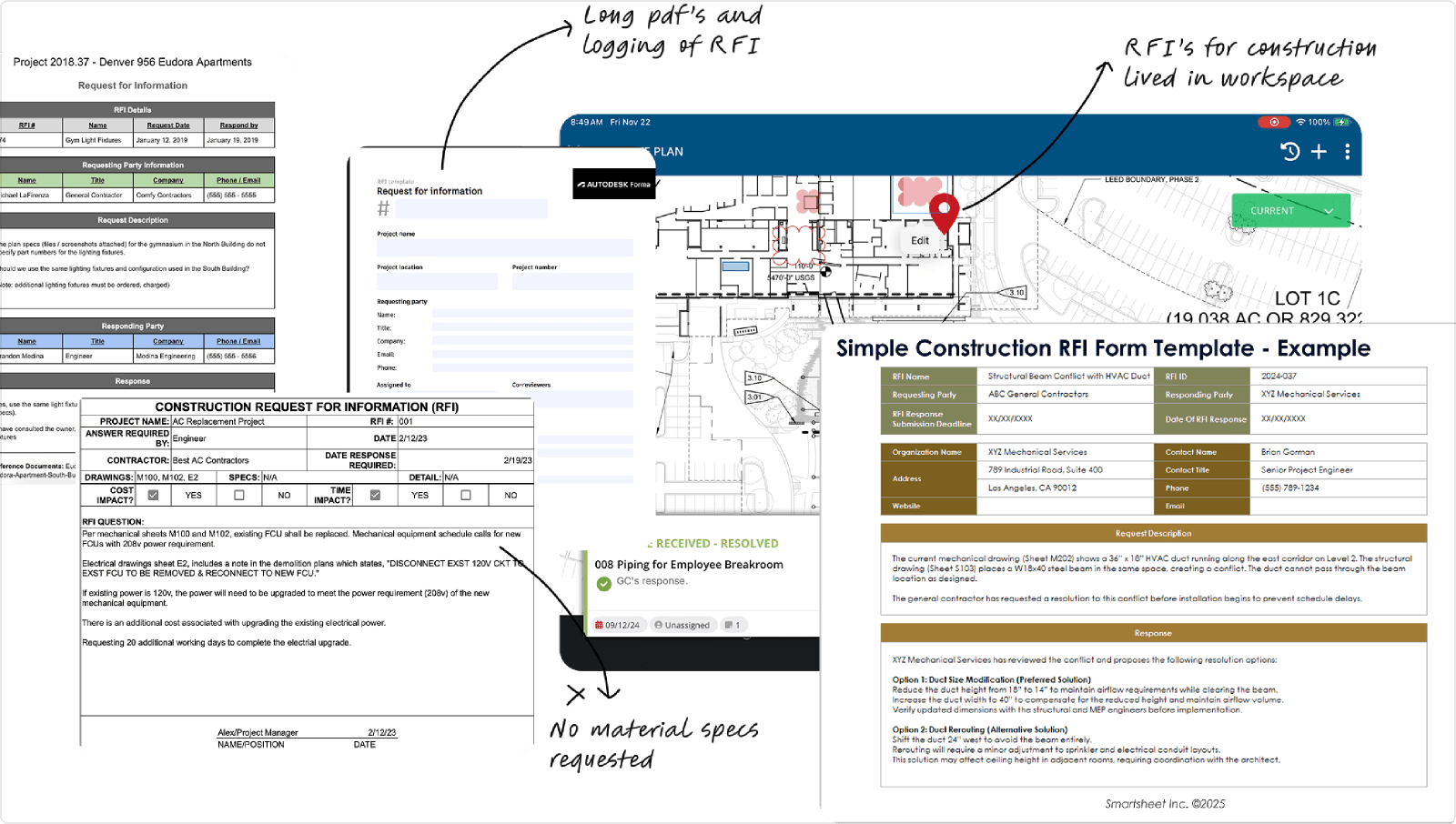





Acelab's RFI
Sending request for information form using Acelab


Seamlessly design and edit documents
Smart Docs is a live-linked canvas editor built inside Acelab's Materials Hub letting architects turn material schedules, and information into polished client deliverables in one place, with data that updates itself.
It's a smart material intellegence platform where in Acelab becomes your respositoy and soruce of truth.
Shipped as a Pro-Acleab Enterpirse feature.
6+
Enterprise firms Adopted:
AECOM, JLL, HOK, Sasaki and more..
2
Mapping directions.
Both first-class.
One modal.
$→
Became a premium paid feature. Direct revenue driver for Acelab.


Team & my role
PRODUCT
Web Based Live Canvas Editor for architects to make documents
TIMELINE
Q1 2024 - Q4 2024 (Launched as a Pro Feature for Acelab Material Hub)
MY ROLE
I led design on Document Builder from the first discovery conversation to v1 launch, and continued through the v1.1 iteration that brought in Binder 2.0 and collaboration infrastructure.
Ran the feature scoping workshop that defined the MVP scope, led design progression using Claude & Figma.
Wrote product requirements and ticketed directly into Linear alongside engineering.
Worked closely with Product & Eng to define phasing and cut scope cleanly, and work on the different components.
Created marketing brief, and product launch plan and presented the design to relevant Stakeholders pre-launch.
TEAM
Purti Hardikar - Lead Product Designer (v1 + v1.1)
Patricia Causey - Director of Product
Stephen Sandberg - Product Manager (Reviewer)
Nolan Tremelling - CTO/ Eng Lead
Jessi Shin - Full Stack Intern
Elodie - Full Stack Developer
SKILLS
Figma — lo-fi, mid-fi, hi-fi, component design, annotations, handoff
FigJam — feature scoping workshop, user journey mapping (PROD-135)
Claude - High-fidelity interactions, iterations, ideas & ticket writing
tl.draw — prototyped for collaboration sync layer with the help of tl.draw library
Linear — Product roadmap, Milestone scoping, sprint tracking
IMPACT
Released across the Acleab Material Hub for both Enterprise and Consumer users, as a pro paid feature.

Platfrom State
The Problem, the quick TL;DR
Architects were leaving Acelab to build client deliverables in PowerPoint, Google Slides, or Excel — manually copying product names, images, and specs. When a product changed in the schedule, nothing updated downstream. The presentation was always a version behind.
"Every time we swap a product, I rebuild the whole presentation.
It's the same data; just in three different places."
— Architect, Acelab customer · CX channel
3-5h
lost per revision, rebuilding a presentation after a single product swap
100%
Of that rework duplicating data that already existed in Schedules
0
Native tools to produce a client-ready deliverable inside Material Hub.


How might we
leverage live data from schedules automatically to generate and sync all downstream project documentation?

Solution
A canvas editor that knows your materials.
Infinite canvas + artboards
Pan, zoom, and arrange pages spatially — like a design tool, not a presentation tool
Binders & page management
Organize pages into tabbed binders. Drag to reorder. Set size, orientation, and margins per page
Live product cards
Two display modes. Auto-updates when the source schedule data changes
Rich element library
Text, images, shapes, tables, callout boxes, headers, footers, page numbers
Template system
Blank, personal, or company-wide templates published by an admin. All 8 document types covered
Fillable PDF export
Real form fields in the exported PDF. Select binders and page ranges before download

What is Smart Docs?
Smart Docs is a live-linked canvas editor built inside Acelab's Materials Hub (part of the Schedules product),
where architects turn material schedules directly into client-ready deliverables — without ever leaving the platform or re-entering data by hand.
Or keep scrolling to know the design process

Exisisitng State
So, what is Acelab Schedules?
Acelab's Materials Hub is where architects manage, specify, and track every building material in a project.
At its core is Schedules — a live table of every specified product, with fields, images, manufacturer data, and custom columns.


Exisisitng State
Schedules solved what was specified; not how to present it
All eight required product images — proof that a text-only export was never going to be enough for any of them. Five were formal contractual or certification documents, which is where the fillable-PDF requirement came from before we'd sketched a single screen.
B
Barista
29 yrs · Expecting 4th
"
I've never been able to dress my child the way I want — everything is too expensive. I just need more affordable, stylish options.
P
Programmer
24 yrs · 4th child
"
My parents couldn't invest much in my education. I want to give my child every advantage I didn't have.
"

Office Worker
Flagged: Major blocker
"
Balancing work and a newborn is impossible without family nearby. Every decision has to be planned weeks in advance.
"

“Help us map to certification formats”
Reach: Majority of customers
Teams were downloading exports and manually attaching them to contract documents — a process that broke the moment any product changed.
User research — in-depth interviews, n=18 participants

Starting from what we have
We mapped every deliverable architects actually produce.
We audited workflows with power users at top firms (AECOM, HOK, JLL) to translate expert material data usage into our core feature objectives.


Different documents that architects normally created using Acelab's data

Competitive Analysis
Canvas tools exist. AEC tools exist. We built the missing intersection.
We ran a deep-dive competitive analysis across two fronts:
Direct Competitors: Established platforms within the AEC industry for creating product submittals.
Indirect Competitors: The generic document builders and tools architects currently rely on to create submittals— representing the exact workflow our new tool aims to replace.

Identifying market gaps through a rigorous competitive audit, then mapping user insights onto an impact vs. effort matrix to define our product roadmap


Project strategy preceded design
Our approach began at the strategic level: defining the high-level goals of our 'smart doc' vision.
A deliverable engine, not a document editor
Not Word, not Notion. The tool that turns a material schedule into the artifact an architect hands to a client.
Data comes first, the layout wraps around it.
Product cards are live. Fields auto-update. The canvas is a vessel for material information — not a blank page.
Native to Schedules, not separate from it.
A new view type in the same view switcher as grid, gallery, and list. No context switch. One workflow.

DESIGN GOAL: FUNCTIONAL | Other Users
Transfer &
Share leads
The Dashboard allows users to transfer and share leads, keeping in mind that employees may need to reallocate leads at any time or add collaborators to the lead.


Hand Off
Delivery - MVP: Admin Settings Dashboard
Functional grouping for better unit management
This section discusses the Admin Settings access dashboard, which is only visible to the super admin.
The super admin can change and edit permissions and policies from this dashboard.
The dashboard comprises multiple functions, such as managing the user database, changing permission policies, and accessing leads to share or transfer them.


DESIGN GOAL: FUNCTIONAL | Other Users
Transfer &
Share leads
The Dashboard allows users to transfer and share leads, keeping in mind that employees may need to reallocate leads at any time or add collaborators to the lead.


DESIGN GOAL: FUNCTIONAL | Other Users
Transfer &
Share leads
The Dashboard allows users to transfer and share leads, keeping in mind that employees may need to reallocate leads at any time or add collaborators to the lead.

DESIGN GOAL: FUNCTIONAL | Super Admin
The live data problem
USER SCENARIO
The super admin has three major tasks.
1. To manage the users (add/delete/change)
2. To view permission settings
3. To give share or change lead access
SOLUTION
Versatile Control Panel
Distinct sections to allow for seamless one-directional navigation
Help in performing daily tasks.

View of the super-admin dashboard with editing access


DESIGN GOAL: FUNCTIONAL | Super Admin
Admin Settings Dashboard
USER SCENARIO
The super admin wants to oversee the triage, roles, and permissions daily & needs to browse through vast volumes of users and their roles. Discovering the required information can take considerable effort.
SOLUTION
Developed staff utilities and giltering options based on group & roles
Capabilty to eddiciently modify/remove users
Tailer the specific service/group for viewing
View of the super-admin dashboard with editing access

Project Phases & Timeline
We phased the project to streamline the workflow without disrupting the schedule workspace.
This project was a massive lift for Acelab that heavily impacted the schedule for our Architect Workspace.
To maximize our time and hit our deadlines, we started with rapid, low-fidelity sketching to quickly align on a mid-fi Proof of Concept. Once we had that POC working and validated, we began layering in the fine details to build out and polish the entire workflow.
01
Dec 2025
Research & Lo-fidelity
Architects think in binders.
Chat language becomes structure: Binders → Pages → Smart Doc.
02
Feb – Mar 2026
Mid-fi + POC
Canvas beats page-flip.
tldraw POC shipped to engineering. Page-flip explicitly rejected.
03
Mar – Apr 2026
Hi-fidelity
Real data from day one.
Live product data in early hi-fi. Built confidence the system works.
What we explicitly didn't build — and why
Direction
Verdict
Reason
Page-flip canvas
rejected
Architects work spatially. Canvas always won in review.
Bi-directional editing
rejected
Schedules is the source of truth. Documents are read-only.
Standalone tool
rejected
Recreates the context-switch we were solving. A fancier PowerPoint.
Real-time collaboration
scoped
Fully designed. Scoped to v1.1 — shipped on schedule.