





I owned the product graphics for Acelab's marketing website: the pictures that show what Material Hub does, one workflow at a time.
Role
Product designer, owner of the product graphics
Company
Acelab, makers of Material Hub
Scope
Product graphics for the marketing website
Site
acelabusa.comThe site's solutions, by project phase
Planning
Design
Project Delivery
Construction
Operations
THE JOB

Research and compare
Real product photos and spec checks, with one card pulled forward so the eye knows where to start.
WORKFLOWS
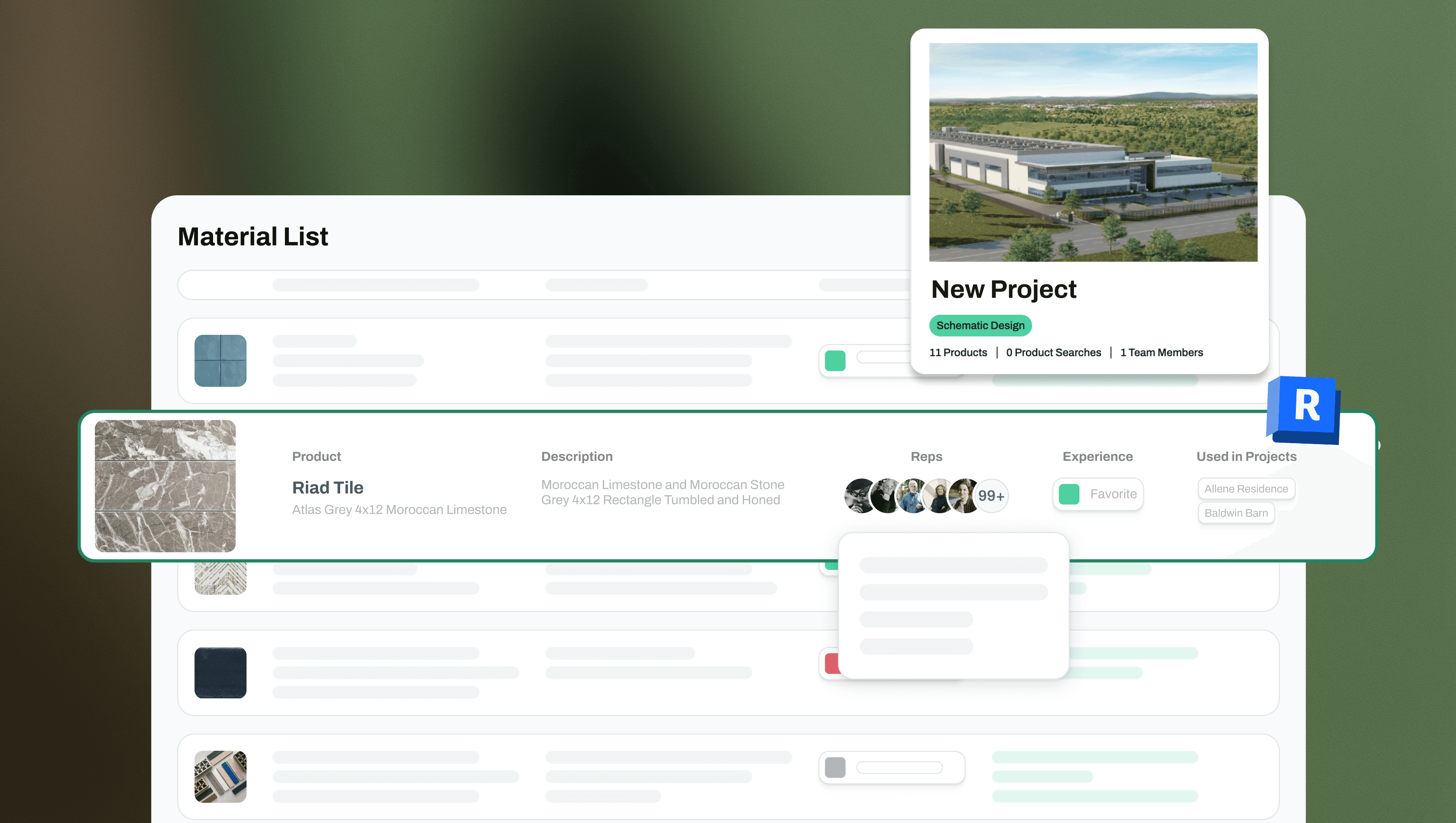
A material list you can read at a glance
Everything else recedes into placeholder rows so one product, with its reps and projects, can come forward.
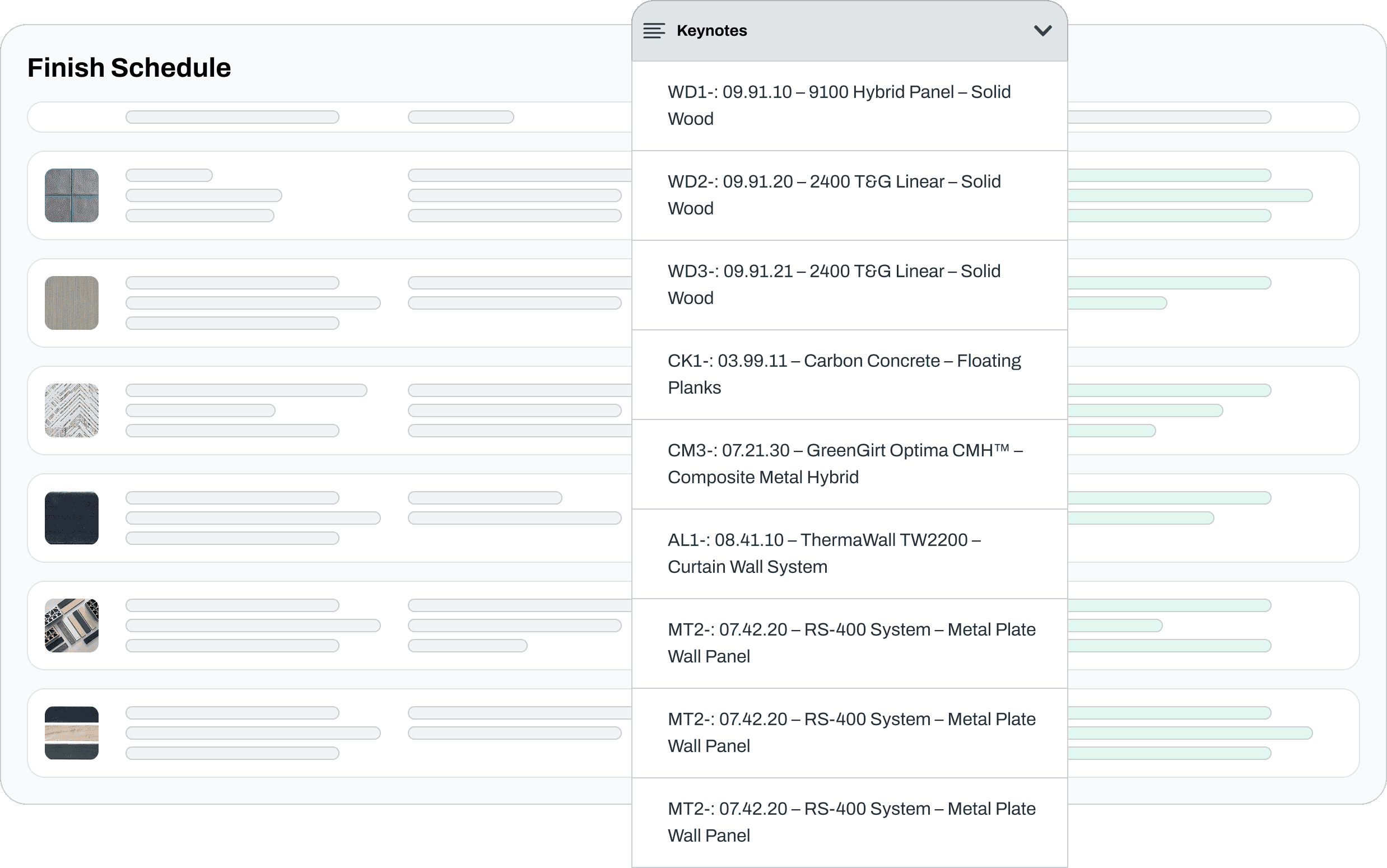
Finish schedule and keynotes
Swatches keep the schedule visual, and the keynote list opens over it with real product language.

Revit family to Acelab product
The dashed line is the whole idea: a model family and a product record stay connected, and the keynotes follow.

From a table to a report
The real product table sits behind the story. Project goals come in on the left, and reports come out on the right.
SMALL GRAPHICS
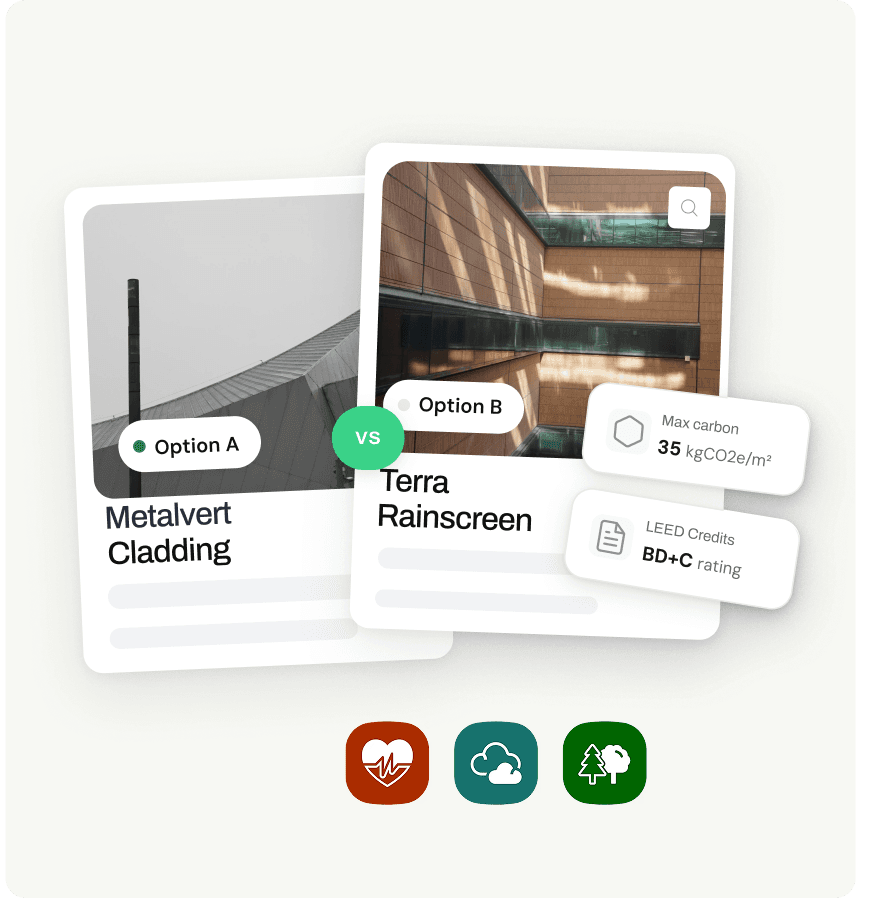
Option A or B
Two materials, one decision, and the only numbers that matter to it.

Company projects
Limits stack on the project card, so the brief is readable in one look.
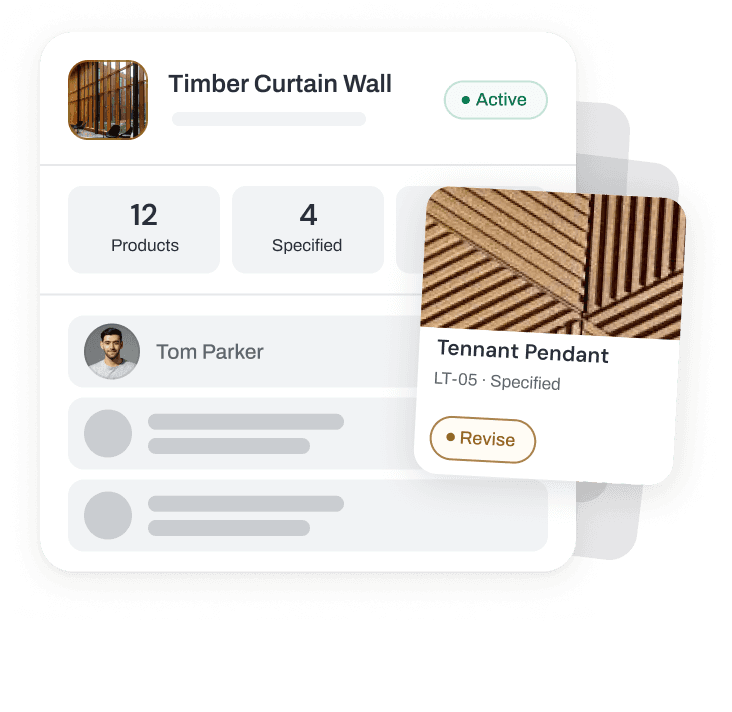
Project approvals
One product waiting on a revision floats above the project it belongs to.

Material intelligence
A row of checks tracks each material from approved to installed.

Ask Ace
A plain question, answered with materials instead of text.

Compare cards
A fan of facades, with a single property called out on each.

Product and rep
The product and the person to ask, side by side.

Keynote fields
Grey bars hold back everything except the one override worth noticing.

Team comments
Cursors and a comment show a decision being made with other people.

Cladding comparison
Three options on one card, with the choice already headed to the finish schedule.

Vendor directory
A selected row opens into the rep's contact card.
WHAT THEY SHARE
Four rules across every graphic
One workflow in focus
Each graphic shows a single job. Whatever doesn't serve it drops back to a grey placeholder bar.
Materials come first
Facades, tile and cladding stay real and in full colour, because materials are what the product is about.
Cards lift off the screen
A card floats above the interface to pull one detail forward, like a keynote tag or a carbon target.
Green marks what matters
One accent carries the eye: the link to Revit, a passing check, the selected row.